Teleportation
Teleportation returns a player near their chest after a countdown. It is
disabled by default and requires deadchest.pro.teleport.
Enable teleportation
In plugins/Deadchest-Pro/pro.yml:
teleport:
  enabled: true
  warmup-seconds: 5
  cooldown-seconds: 300
  cross-world: false
  denied-worlds: []
  feedback:
    action-bar: true
    titles: true
    particles: true
    sounds: true
Grant deadchest.pro.teleport to the desired players or groups using your
permission manager, then run /dc reload. Operators have this permission by
default, but the feature must still be enabled in the configuration.
Players can use /dc teleport, /dc teleport 2, or the button in a chest preview.
Selection follows the same rules as tracking.
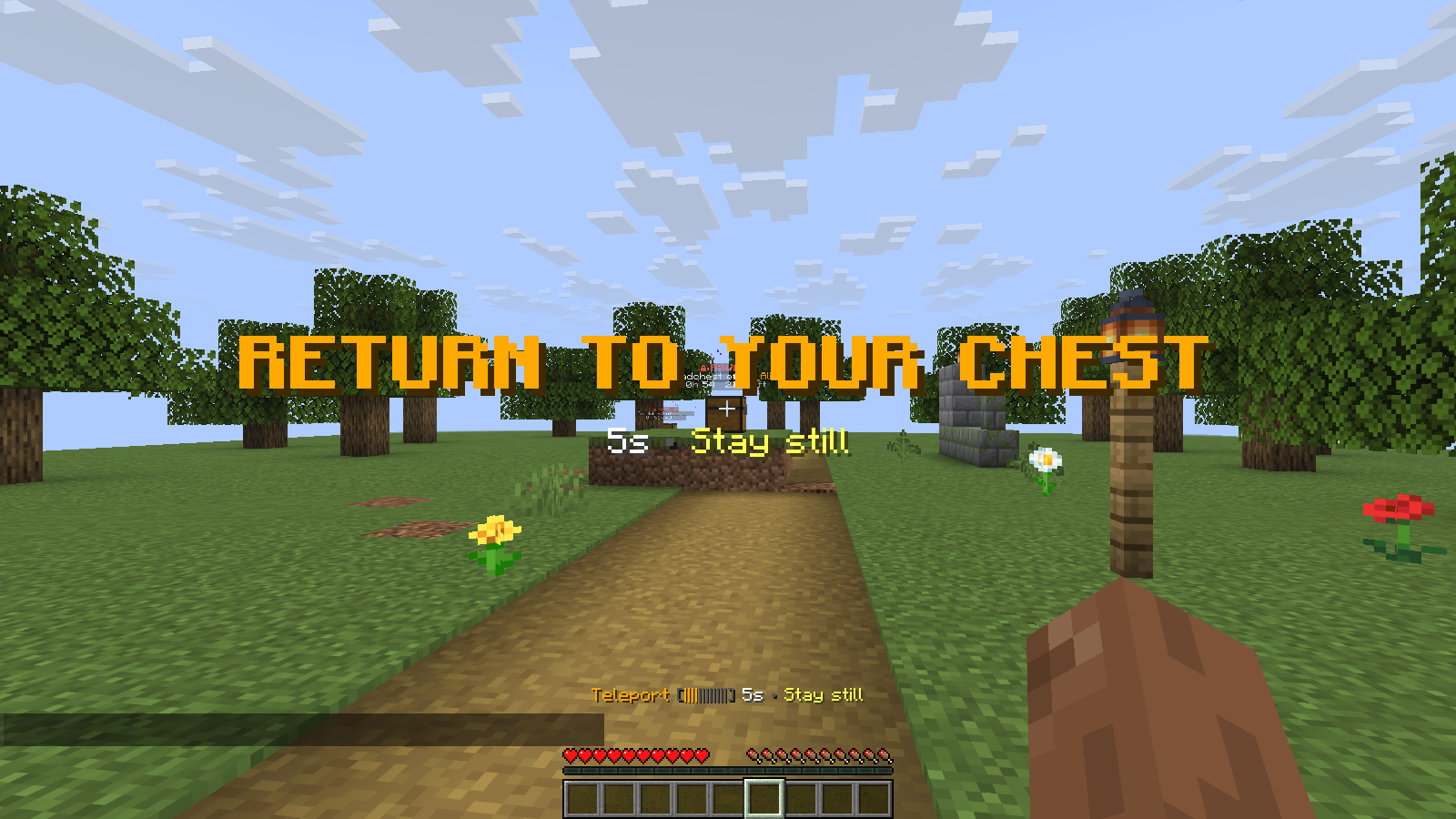
The countdown tells the player to stay still until teleportation completes. This demonstration uses custom timing; the defaults are listed below.
Countdown and cooldown
The default warmup lasts five seconds. Movement, damage, death, disconnection, another teleport or a configuration reload can cancel a pending teleport. Repeating the command during the countdown does not restart it.
The 300-second cooldown starts only after a successful teleport. Failed or
cancelled attempts do not start it. A value of 0 disables the corresponding delay.
The action bar, countdown and arrival titles, particles and sounds can be disabled separately. Teleport feedback takes priority over tracking while active.
Worlds and safe destinations
Cross-world travel is disabled by default. Set cross-world: true to allow it.
denied-worlds uses exact world names and applies to both departure and destination.
The plugin checks nearby footing, space for the player, hazards and the world border before teleporting. It searches within the chest's chunk, up to four blocks horizontally and from three blocks below to four above the chest. A chest near a chunk boundary can have no acceptable destination in that area.
When a teleport is refused
Messages distinguish disabled teleportation, missing permission, cooldown, blocked or unavailable worlds, disabled cross-world travel, unavailable chests, access restrictions, dead players, vehicles and a lack of safe footing.
Check the reported reason first. If the destination is unsafe, approach normally or make the nearby area safe. Another plugin or the server can also reject the teleport; its exact reason may not be available to DeadChest.